

Outfits from your own closet

You already own the outfit.

Assemble finds it, and shows it on you before you wear it.

Build my first outfit

Free, no card needed

Scan to open on your phone

Sasha wearing a look put together from her own wardrobe
Sasha her own closet
Marcus wearing a look put together from his own wardrobe
Marcus his own closet

Sound familiar?

A full closet. Nothing to wear.

Most of us wear roughly 20% of our clothes, most of the time.

The rest just hangs there, waiting for a plan.

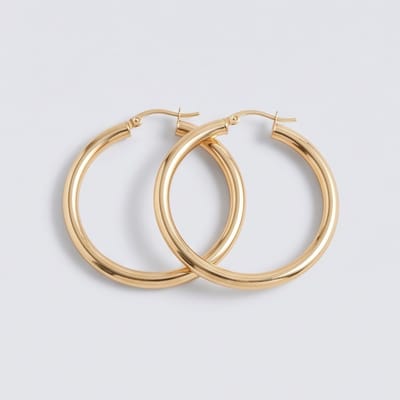
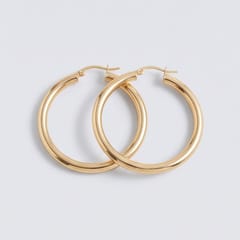
  • Sasha's gold hoop earrings, hanging in her closet
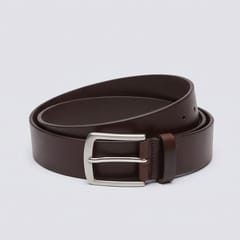
  • Marcus's brown leather belt, hanging in his closet
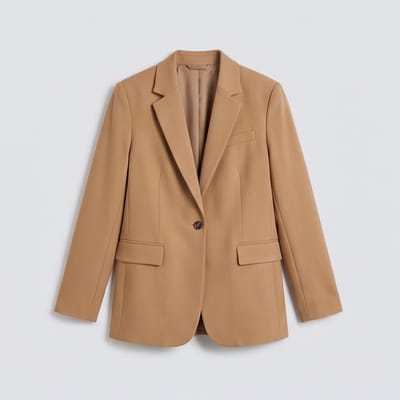
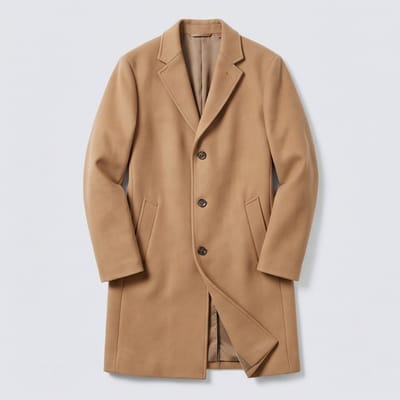
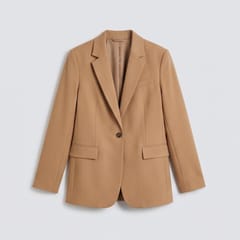
  • Sasha's tan single-breasted blazer, one of the few pieces worn on repeatOn repeat
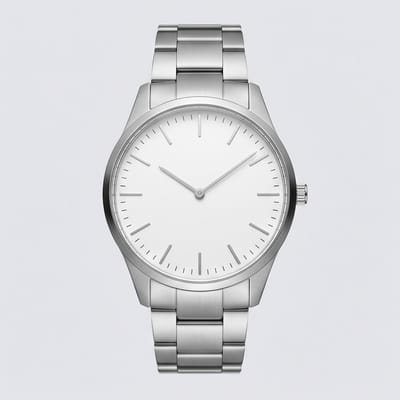
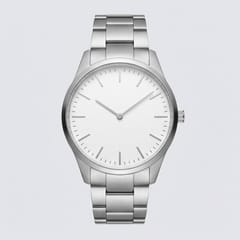
  • Marcus's minimalist silver steel watch, one of the few pieces worn on repeatOn repeat
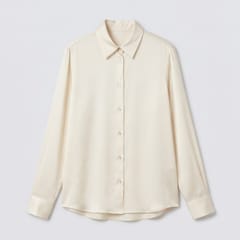
  • Sasha's off-white long-sleeve satin shirt, hanging in her closet
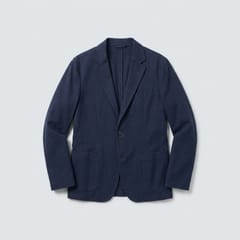
  • Marcus's navy blue casual blazer, hanging in his closet
  • Sasha's white leather minimalist sneakers, hanging in her closet
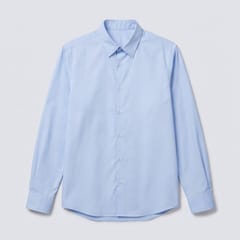
  • Marcus's light blue long-sleeve dress shirt, hanging in his closet
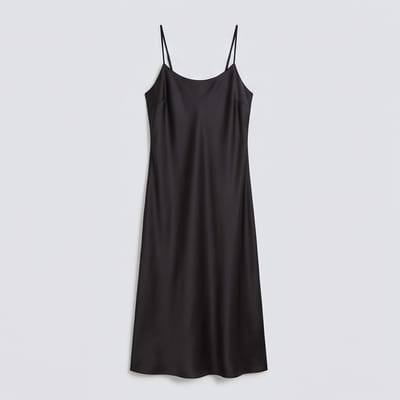
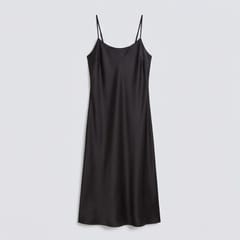
  • Sasha's black satin slip dress, hanging in her closet
  • Marcus's white leather sneakers, hanging in his closet
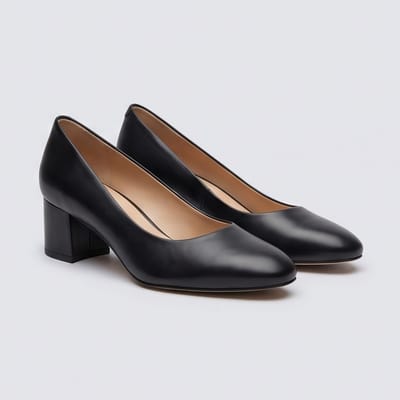
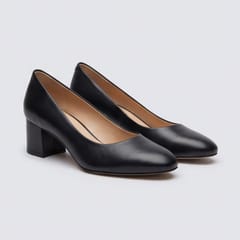
  • Sasha's black leather block heel pumps, one of the few pieces worn on repeatOn repeat
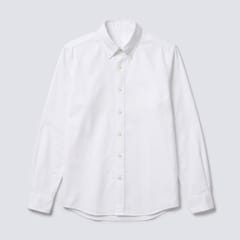
  • Marcus's white button-down Oxford shirt, one of the few pieces worn on repeatOn repeat
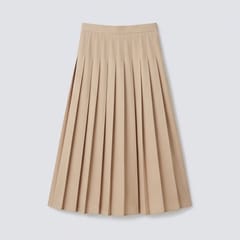
  • Sasha's tan pleated midi skirt, hanging in her closet
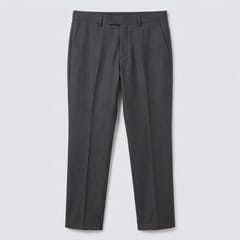
  • Marcus's charcoal gray dress pants, hanging in his closet
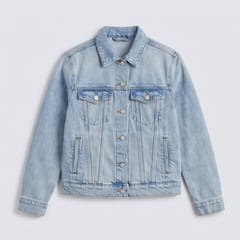
  • Sasha's light wash denim jacket, hanging in her closet
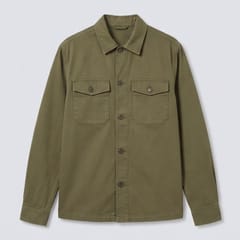
  • Marcus's olive green utility overshirt, hanging in his closet
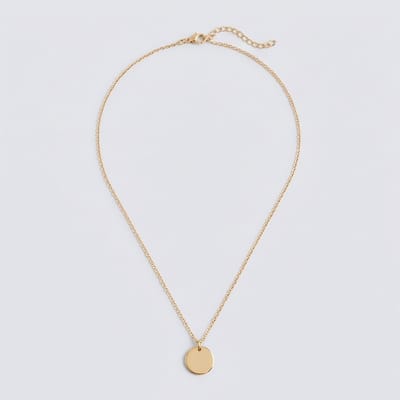
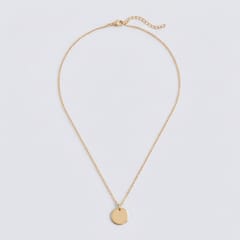
  • Sasha's gold disc pendant necklace, hanging in her closet
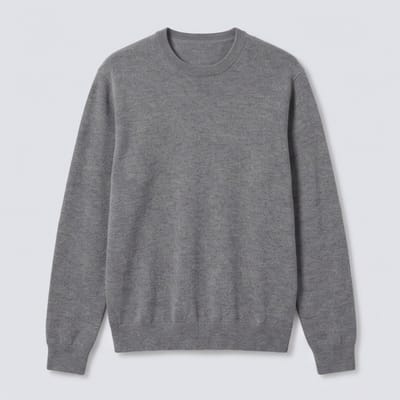
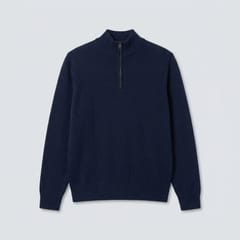
  • Marcus's navy blue quarter-zip knit sweater, hanging in his closet
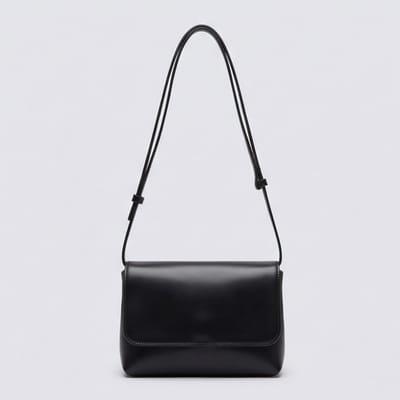
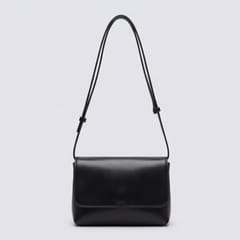
  • Sasha's black leather shoulder bag, one of the few pieces worn on repeatOn repeat
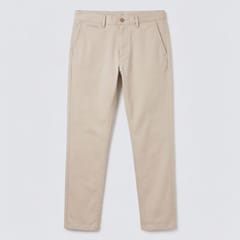
  • Marcus's beige chino pants, one of the few pieces worn on repeatOn repeat
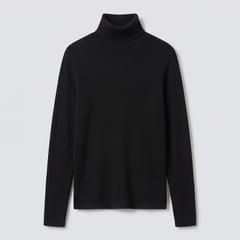
  • Sasha's black ribbed turtleneck sweater, hanging in her closet
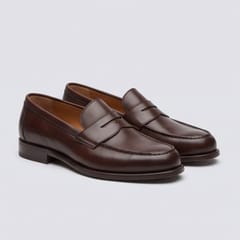
  • Marcus's brown leather penny loafers, hanging in his closet

Assemble fixes that.

How it works

Dressed in three steps.

  1. 1

    Snap your pieces

    Photograph a piece and Assemble fills in what it is.

  2. 2

    Pick the occasion

    Dinner, the office, a weekend away. Say where you're headed.

  3. 3

    Wear the look

    See the outfit on you, then get dressed and go.

Inside the app

See it in two closets.

Follow Sasha and Marcus as they build outfits from what they already own.

  • Sasha Womenswear

    Dresses for dinners, weekends and trips from the pieces she already has.

  • Marcus Menswear

    Covers the office, dates and packing, with fewer decisions each morning.

Sasha’s closet Snap a piece

01

Your wardrobe from a photo

Snap a piece and it joins your closet. No typing, no spreadsheets.

  1. In Sasha's closet

    Snap a piece

    Lay it flat or hang it up, then take one photo. That's the whole job.
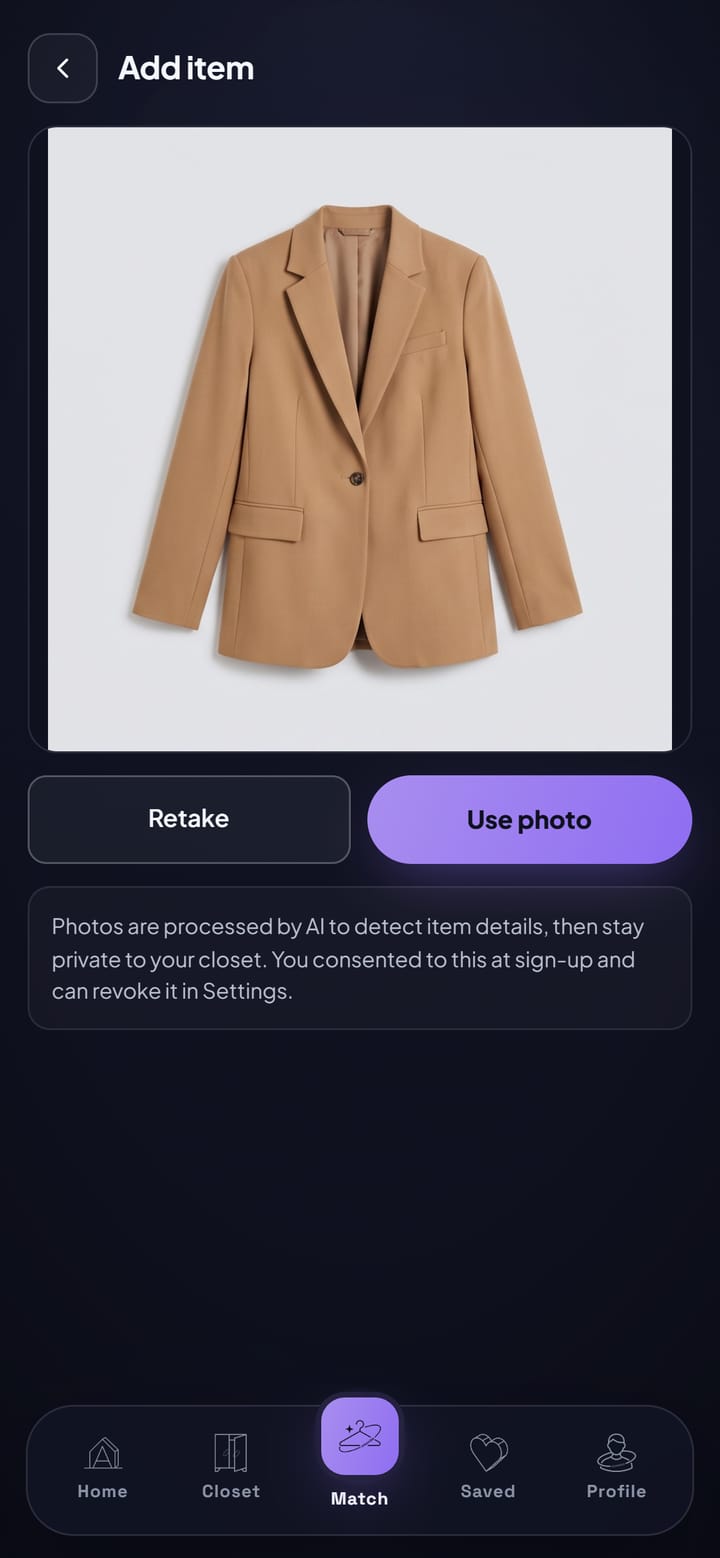
    Add item screen with a photo of a camel blazer ready to use
  2. In Sasha's closet

    It knows what it is

    Assemble names the piece, its color and how it's made. If a photo won't work, it says so and asks for another.
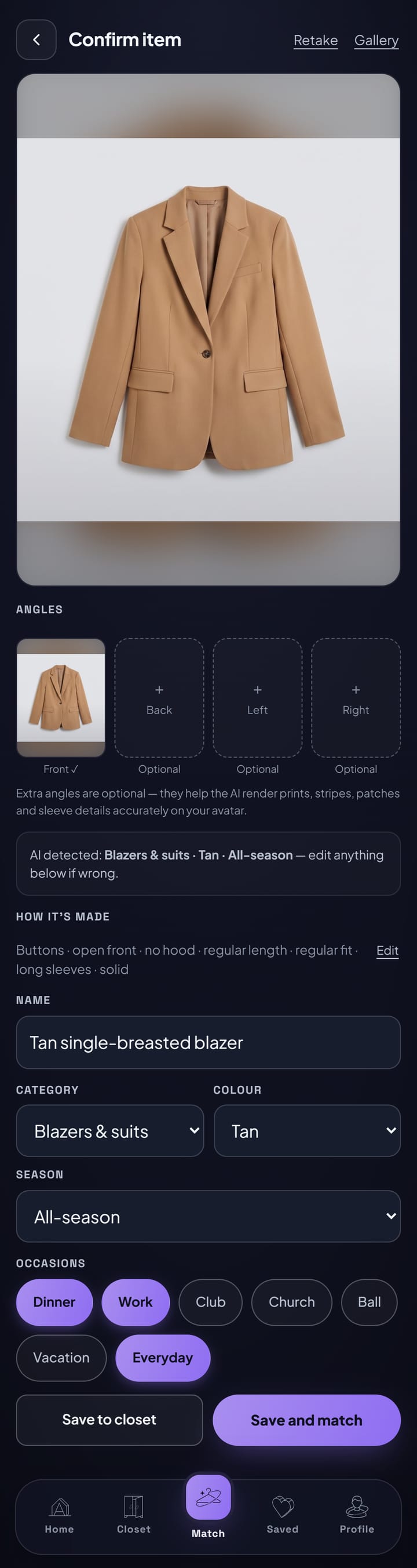
    Confirm screen for a newly added tan blazer, with its name, category, color and how it's made
  3. In Sasha's closet

    Your closet, sorted

    Everything you own in one place, grouped and sorted by color, ready to style.
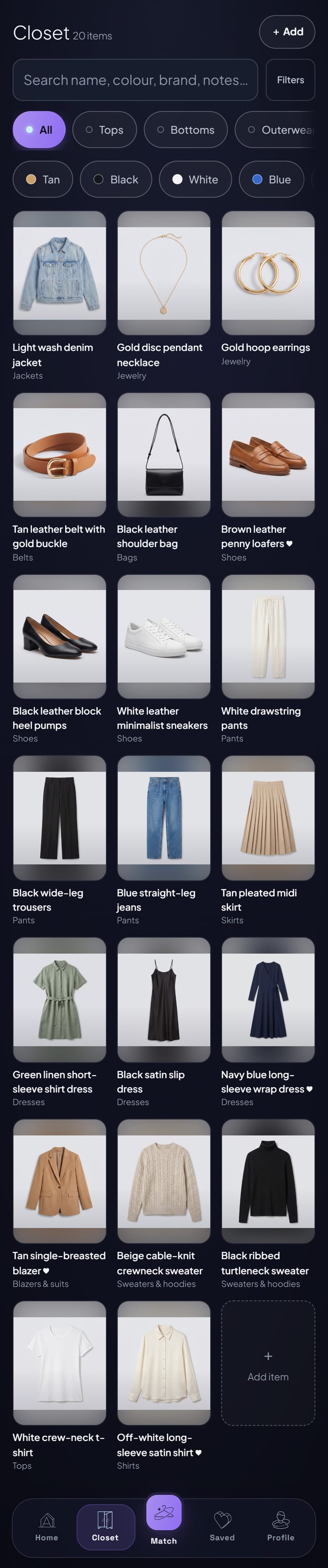
    Sasha's closet in the Assemble app, showing tops, pants and shoes with color filters
02

Looks for any occasion

Say where you're going. Get looks built from what you already own.

  1. In Marcus's closet

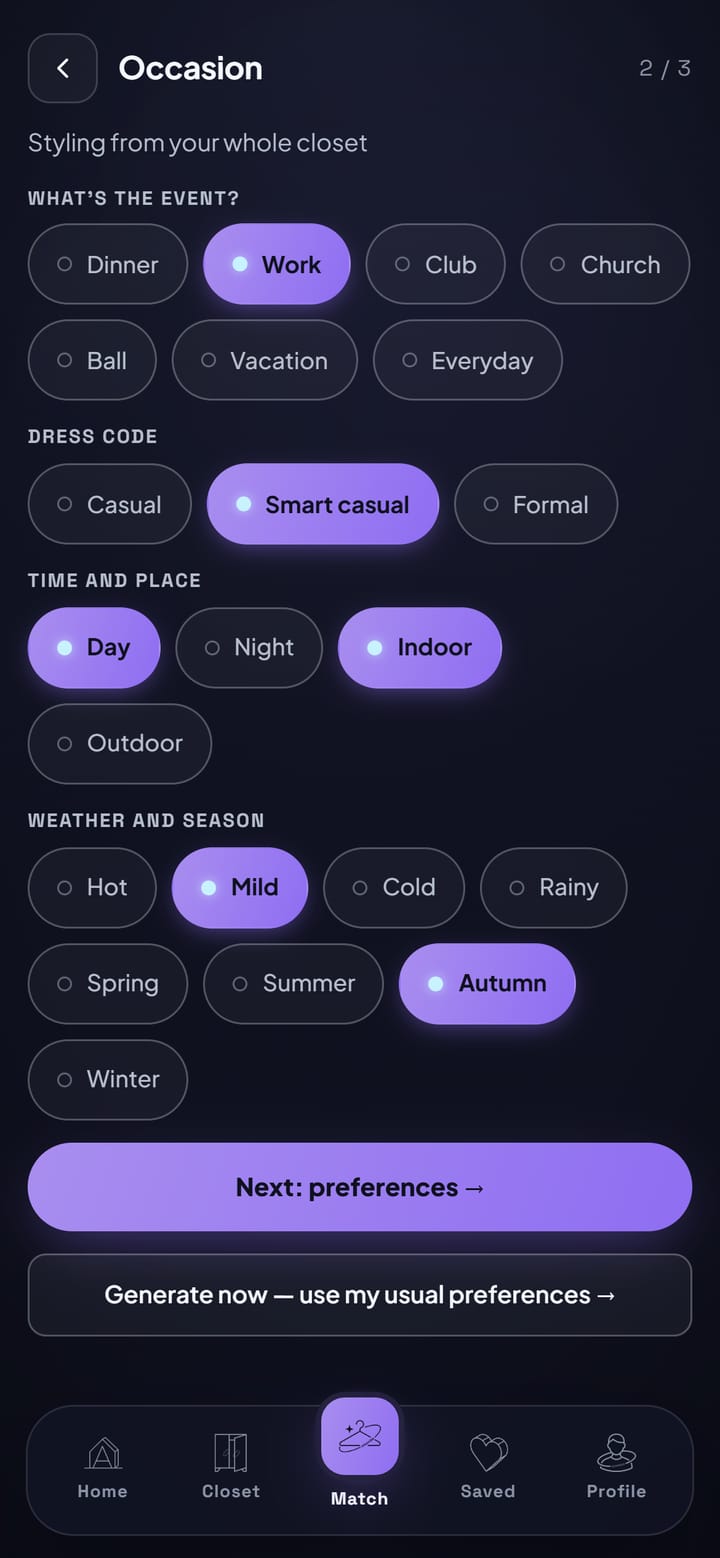
    Tell it the plan

    Pick the occasion, the weather and your style. Work, dinner or a night out.

    Choosing the occasion, time and setting before getting looks
  2. In Marcus's closet

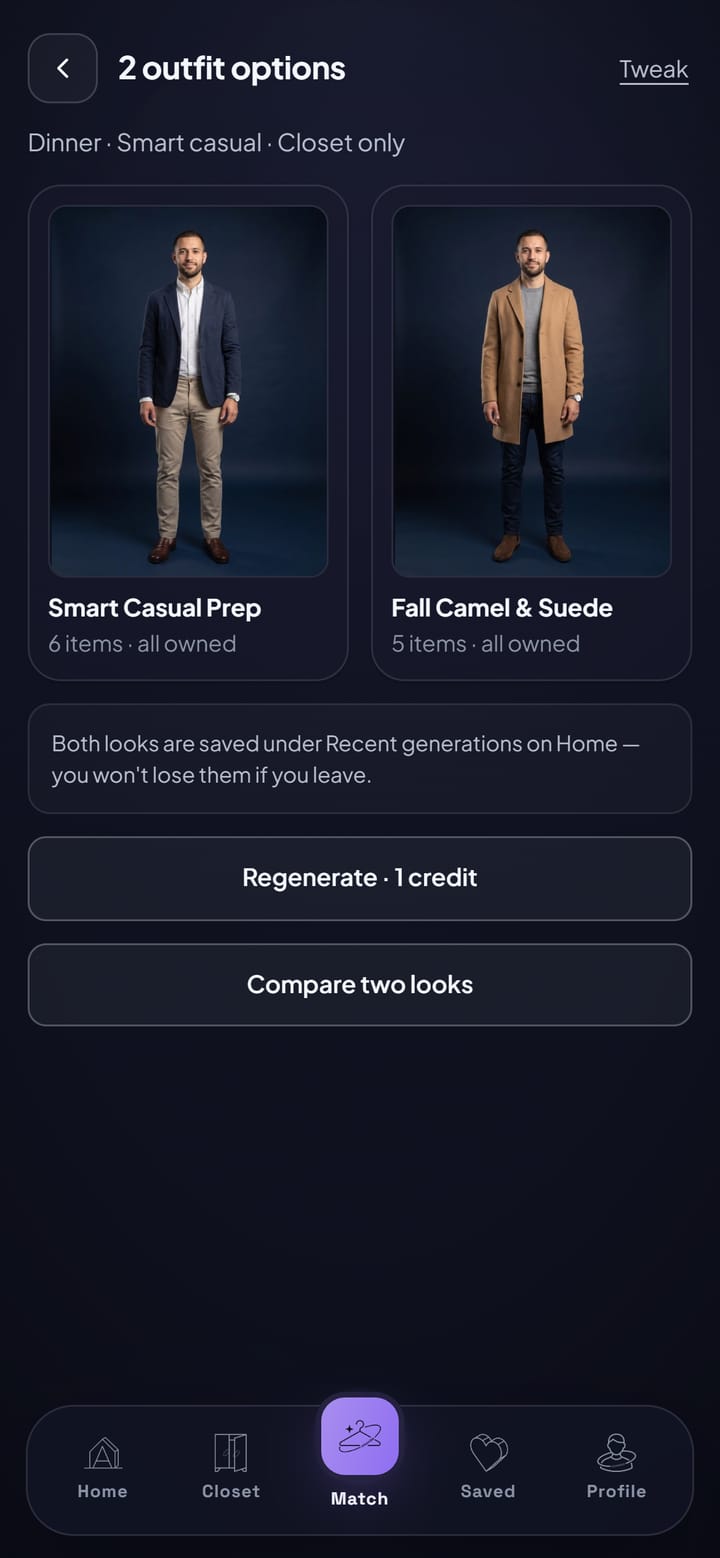
    Two looks, ready

    Get two looks made from your own pieces, each one shown on you.

    Two looks put together from Marcus's closet, each shown worn
  3. In Marcus's closet

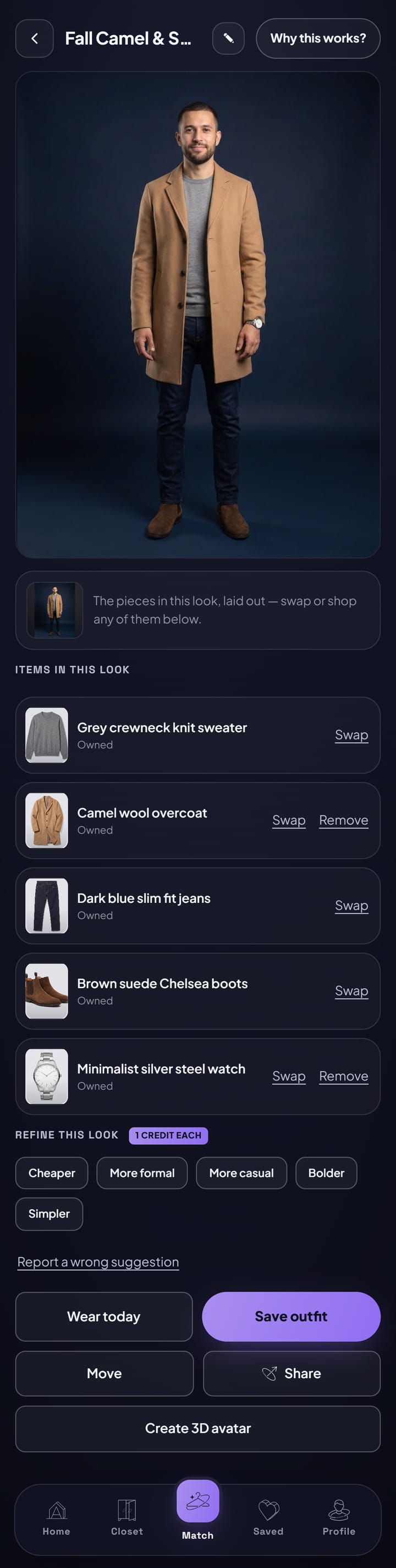
    See why it works

    Every look comes with a short reason it works. Swap a piece or remove one in a tap.

    One of Marcus's looks shown worn, with every piece listed and ways to swap or refine it
  4. In Marcus's closet

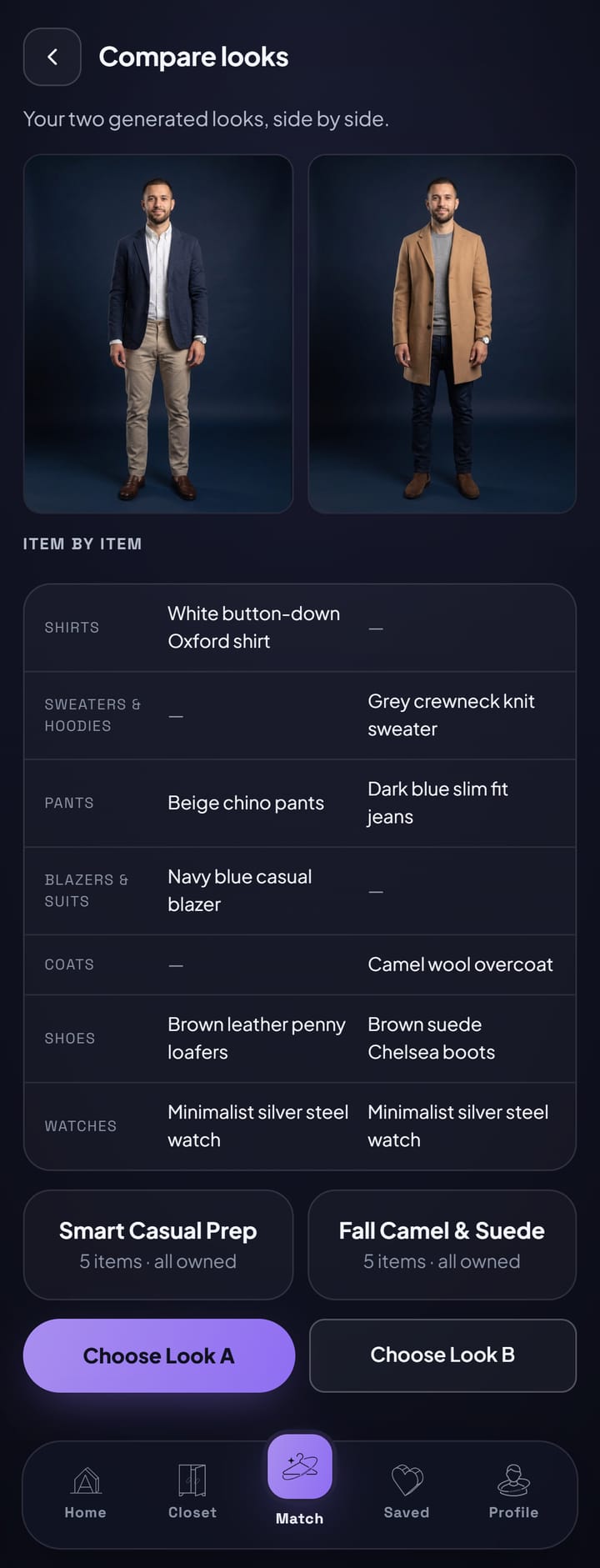
    Compare side by side

    Torn between two looks? Put them next to each other and decide.

    Two of Marcus's looks compared side by side
03

Your 3D avatar and sharing

See the look on you from every side, then ask the people whose opinion counts.

  1. In Sasha's closet

    Ask your friends

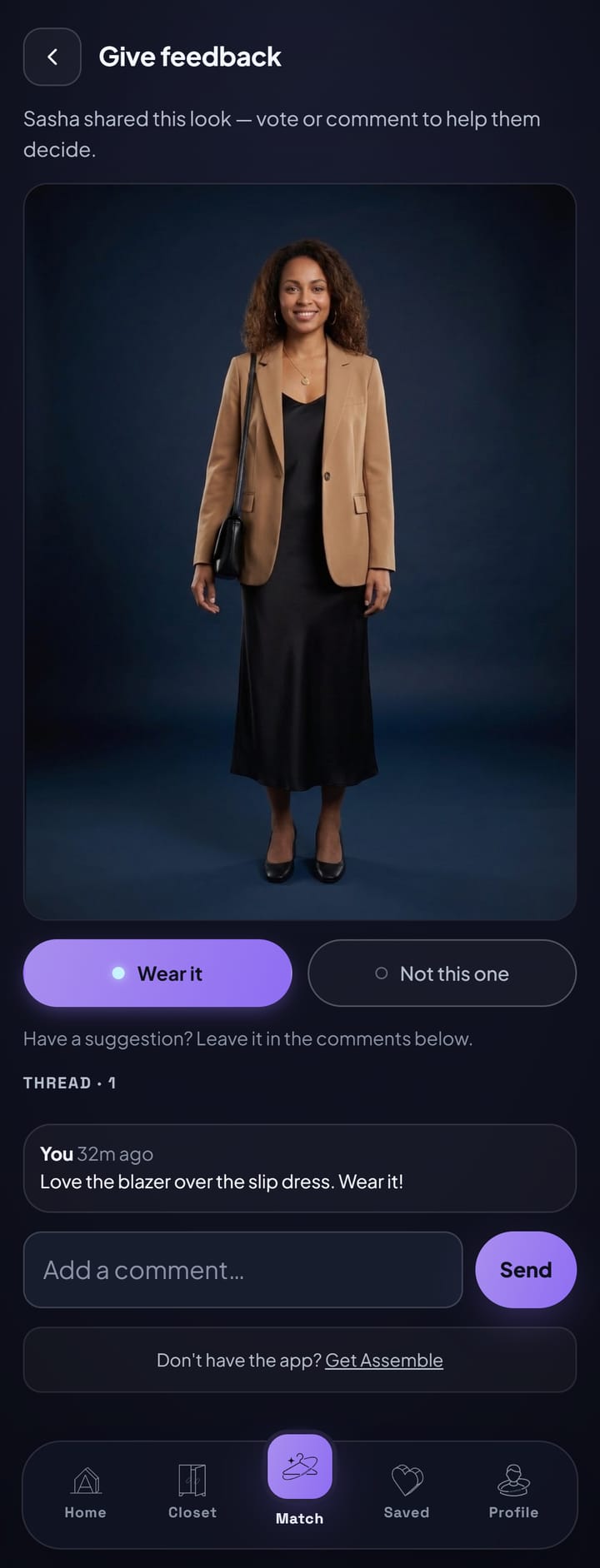
    Send a look or your avatar to friends. They vote and leave comments.

    A friend's view of a look Sasha shared, with a vote and a comment
  2. In Sasha's closet

    Or share a link

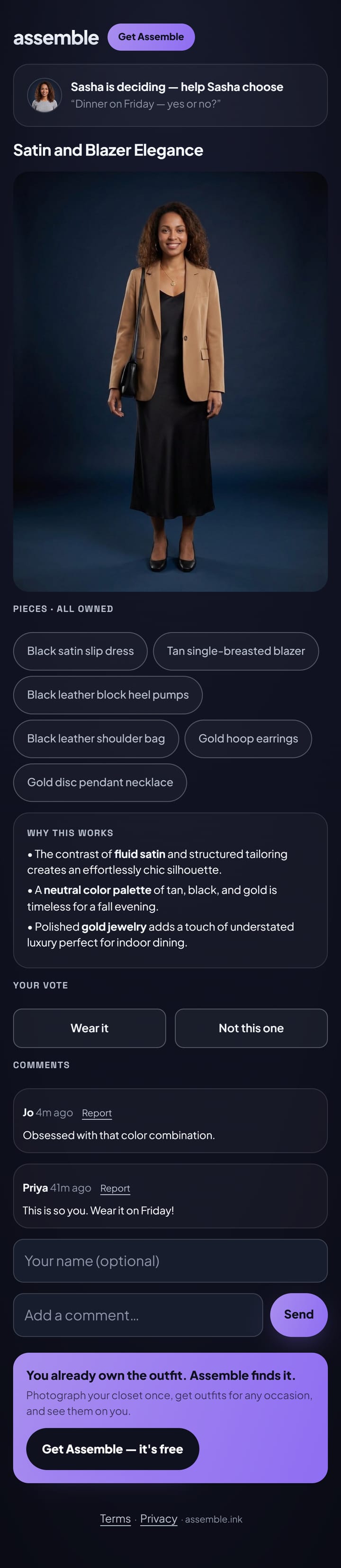
    Want more opinions? Make a public link anyone can vote on. Turn it off whenever you like.

    Public link page for a look Sasha shared, with votes and comments from friends
04

Shop the missing piece and pack for a trip

When a look needs one more thing, or you need a whole week of looks in one bag.

  1. In Marcus's closet

    Shop the missing piece

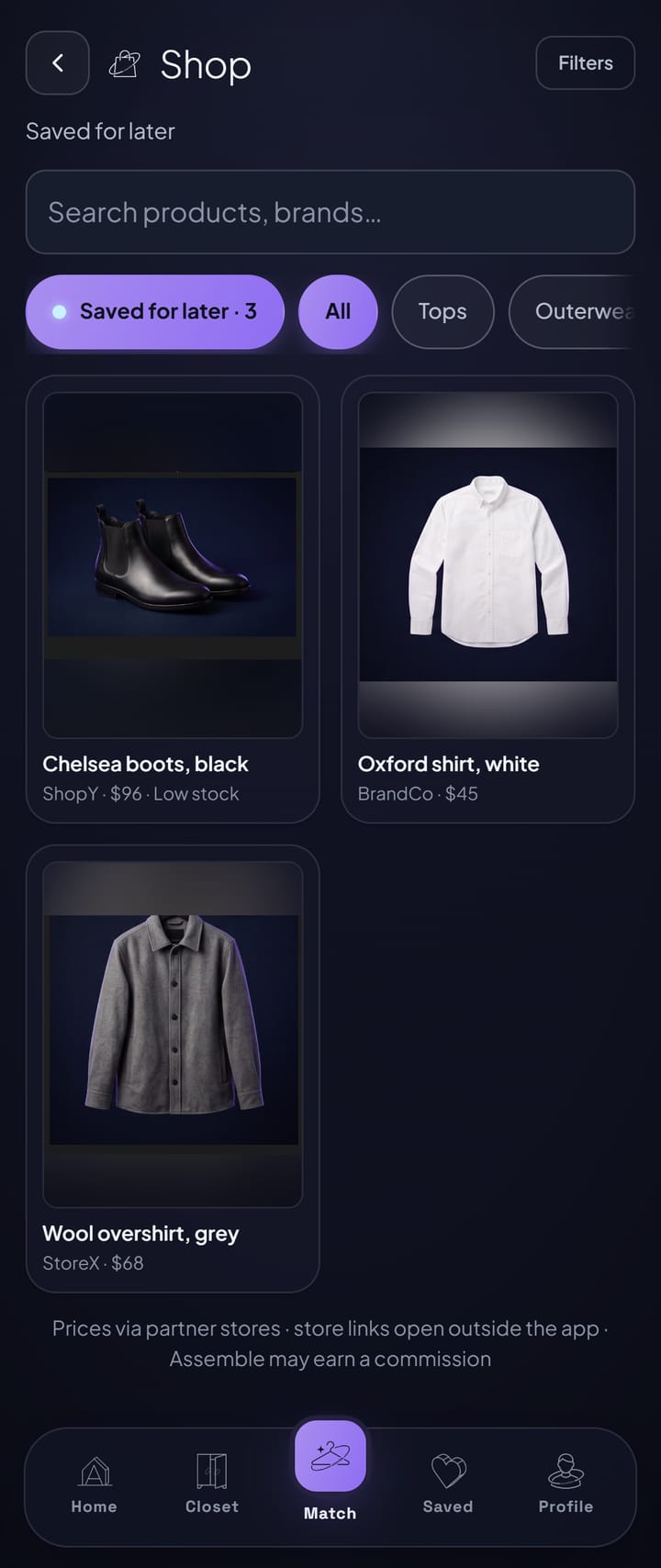
    If a look is missing something, see pieces that finish it. Only when you want to.

    Shop showing the pieces Marcus saved for later
  2. In Marcus's closet

    Pack for a trip

    On Pro, tell it about your trip and get outfits for each day plus a packing list from your closet.

    Packing list for a four-day trip to Amsterdam, built from his closet

Why it works

Every look comes with its reasons.

Not just what to wear. Why it works, spelled out for the pieces you own.

Marcus wearing the Effortless Resort Style look from his own closet
Effortless Resort StyleIn Marcus's closet · 4 items · all owned
  • Black knit polo shirtShirts
  • Tan chino shortsShorts
  • White leather sneakersShoes
  • Minimalist silver steel watchWatches

In the app’s words

  1. The black knit polo elevates a casual shorts look with subtle texture and sophistication.
  2. Tan chino shorts and white sneakers keep the outfit relaxed and perfect for warm-weather exploring.
  3. A silver steel watch adds a polished, minimalist touch without feeling overdressed.

3D avatars

Turn the look around.

Build a 3D you from your photos, then check the outfit from every side.

Sasha her own 3D avatar
Marcus his own 3D avatar

Drag to turn. Double-tap to face front.

No app store

On your home screen in 10 seconds.

No app store, no big download. Add Assemble from your browser and it opens full screen, just like an app.

iPhone

  1. Step 1

    Open the app link

    Open Assemble in Safari.

  2. Step 2

    Tap Share

    The square with an arrow, at the bottom of the screen.

  3. Step 3

    Add to Home Screen

    Scroll down, tap Add to Home Screen, then Add.

Android

  1. Step 1

    Open the app link

    Open Assemble in Chrome.

  2. Step 2

    Tap Install

    Use the Install button Assemble shows you, or the three-dot menu.

  3. Step 3

    Confirm

    Tap Install, and Assemble lands on your home screen.

Privacy

Your wardrobe stays yours

Your closet is personal. Assemble treats it that way.

  • Private by default

    Your photos stay private unless you choose to share them.

  • You decide on AI

    You choose whether AI can use your photos, and you can change your mind in Settings.

  • No location data

    Location details are removed from every photo you upload.

  • Delete anytime

    Delete a photo, or your whole account, whenever you like.

What Assemble keeps: your name and email, photos of your pieces, what clothes you wear, your styles, occasions and budget. If you add them, a photo of you, colors you like or avoid, and favorite brands. Nothing more.

Pricing

Start free. Upgrade when you’re ready.

Every plan works on your phone and your computer. Cancel anytime.

Billing period
  • Free

    $0

    No card needed

    18 free credits to start

    • 10 free item detections
    • Your closet from photos
    • Looks for any occasion, shown on you
    • Credit packs whenever you need them
    Build my first outfit
  • Plus

    $6.99$4.99/month

    Billed monthly$59.90 billed yearly · 3 months free

    30 credits a month300 credits a year

    • Saved looks & collections
    • No ads
    Get Plus

What credits buy

FeatureCreditsWhat it is
A look on you4Two outfits matched from your closet for the occasion, both drawn on you.
Render again3A fresh picture after you swap or remove a piece.
Refine a look1Ask for a change, like a different jacket or a bolder shoe.
Add a piece1Recognize a photo of a piece for your closet. Your first 10 are free.
Packing list3Outfits for a whole trip from what you own.
3D avatar9You in an outfit as a 3D model you can turn around.

Need more? Credit packs of 10, 50 or 100 credits, from $2.99. Buy one anytime, on any plan.

Questions

Good to know

Straight answers, before you start.

Will it work with my clothes and my style?

Yes. Assemble builds looks only from the pieces you add to your closet. For each look you pick the occasion, the style and how bold to go, so the outfits fit how you actually dress.

How long does it take to set up?

A few minutes. Sign up, answer a couple of style questions, and snap a handful of pieces. Four is enough for your first look from your own closet, and you can add more anytime.

Is it really free, and what do credits cost?

Yes, it's free to start: you get 18 free credits and 10 free item detections, and no card is needed. A look on you is 4 credits: two outfits for the occasion, both drawn on you. A fresh picture after a swap is 3 credits, a tweak 1, a packing list 3, and a 3D avatar 9. Adding a piece costs 1 credit after your first 10 free ones. When you run out, top up with a credit pack (from $2.99) or choose Plus or Pro for more credits.

What happens to my photos, and does AI see me?

Your photos stay private unless you share a look. AI only sees the photos you allow: pictures of your pieces so it can recognize them, and a full-body photo only if you turn on renders (without one, looks are shown on a neutral model). Location details are removed when you upload, and you can delete photos or your whole account anytime.

Is there an app to download?

No app store needed. Open Assemble in your browser and add it to your home screen. It opens full screen, just like any other app.

Can I cancel anytime?

Yes. Cancel from Manage subscription whenever you like. You move to Free right away and keep the credits already in your balance.

Does it work on my computer too?

Yes. Assemble works on your phone, tablet and computer, and your closet is there wherever you sign in.

Is it for women and men?

Yes. When you set up, say what clothes you wear — women’s, men’s, or leave it open and see everything.

Sasha wearing a look put together from her own wardrobe
Marcus wearing a look put together from his own wardrobe

Tonight’s outfit is already in your closet.

Build my first outfit

Free, no card needed

Scan to open on your phone

About

A full closet, and still nothing to wear.

You know the feeling: a closet full of clothes and no idea what to put on. Assemble was made to close that gap. It looks at what you already own, finds the outfit, and shows it on you, so getting dressed feels easy again.

Development partner: Deep Learn HQ